Interactive products
Turning CAD Into a Useful Web Configurator
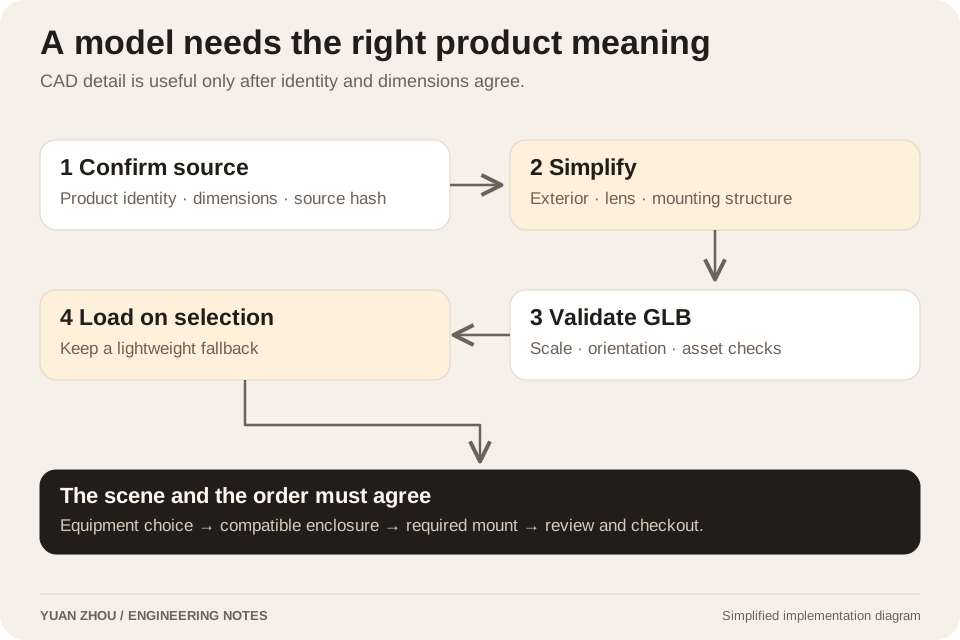
The hard part was not putting a model on a canvas. It was keeping product identity, room dimensions, mounting rules, loading behavior and checkout decisions in agreement.
Senior AI Engineer · M.S. Computer Science, Tsinghua University · See the products I built
In this article · 6 sections
The engineering decisions
- Verify that a source model represents the product actually being sold.
- Load simplified equipment models only when selected, with a usable fallback.
- Keep visual compatibility, known prices and checkout eligibility as separate decisions.
A detailed model can still be the wrong product
The first enclosure CAD files were useful for understanding dimensions and assembly relationships, but they did not represent the Carl’s enclosures sold in the U.S. Builder. Using them as the live product model would have made the preview more detailed and less accurate.
I retained those files as historical dimension-validation material and generated simplified DIY and Pro enclosure models from the customer’s selected dimensions. Supplier equipment files were mapped to the corresponding products separately. Product identity had to be established before visual fidelity became useful.
Keep the geometry needed for the decision
The equipment conversion retained shells, lenses, control surfaces and major mounting structures. Internal electronics and unnecessary fasteners were removed where present in the supplied assemblies. Models preserved overall scale and recognizable exterior proportions rather than reproducing every manufacturing detail.
The conversion scripts bound the expected STEP source with a SHA-256 digest. A replaced source stopped the conversion instead of silently creating a new website asset from an unreviewed file. That made the source-to-product mapping part of the repeatable process.
| Equipment | Approximate GLB size | Triangles |
|---|---|---|
| GR2 | 0.42 MB | 13,967 |
| GR3 | 0.31 MB | 9,986 |
| GR3 Pro | 0.37 MB | 12,099 |
| Spica 3 | 2.07 MB | 61,035 |
Selection controls the download
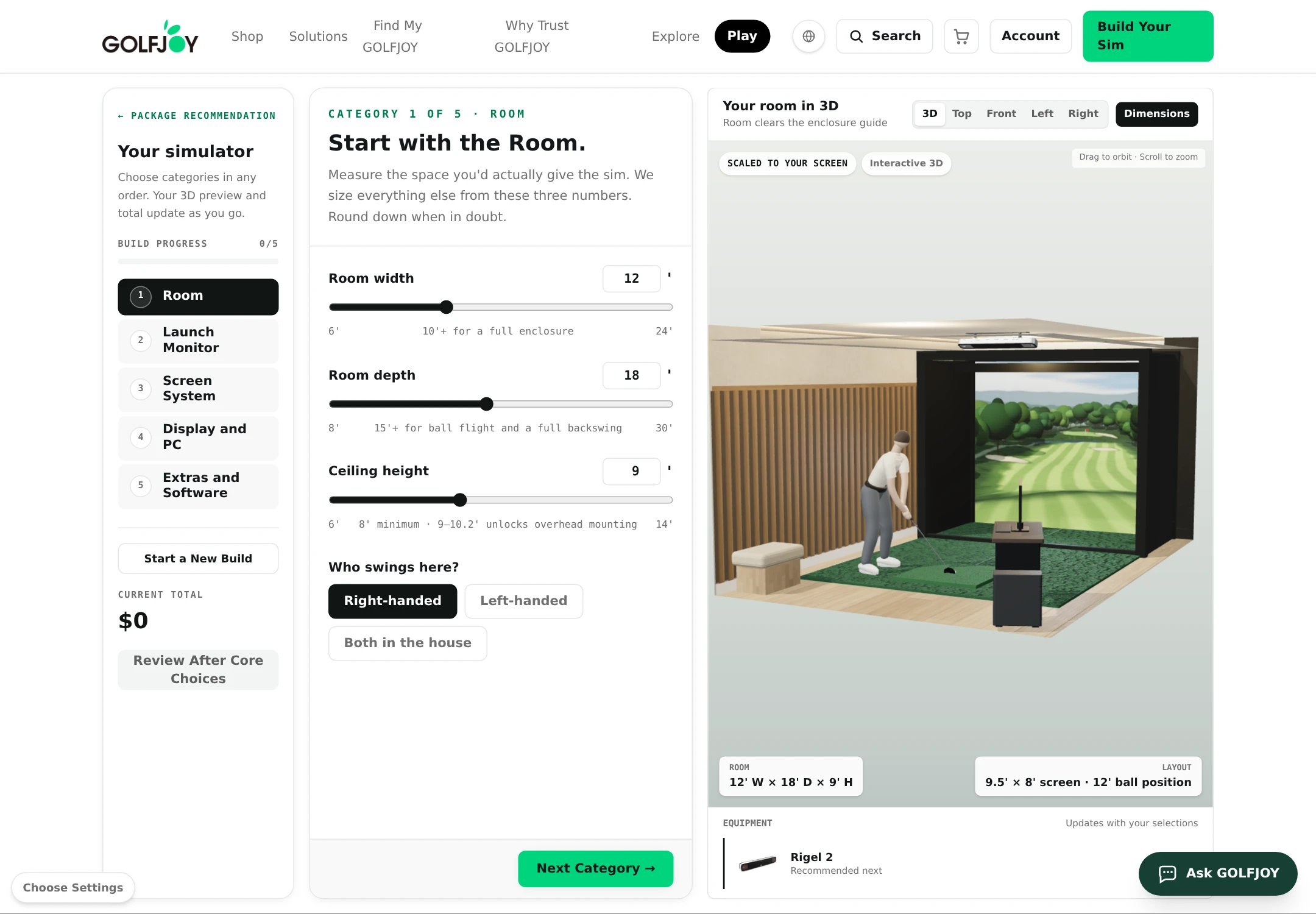
The Builder loads the corresponding equipment model when the customer selects it. Unselected equipment does not need to be downloaded in advance. If loading fails, the lightweight shape remains visible, so a weak connection does not leave an empty space where the selected device should be.
The preview also keeps useful context visible: the room, screen and hitting position, with selectable top, front and side views. A customer deciding whether equipment fits needs spatial relationships and dimensions. A spinning isolated object would demonstrate rendering while leaving that decision unanswered.
The model and the mounting rules must agree
The enclosure and launch-monitor choices impose different mounting requirements. In the recorded configuration, the DIY enclosure pairs with the floor-based device. Frame-mounted devices require the Pro enclosure and its mounting accessory. The ceiling-mounted model requires its ceiling kit rather than the incompatible frame mount.
Changing equipment therefore updates more than the visible mesh. It adjusts required accessories and removes automatically selected incompatible ones. The review screen must agree with those changes. Otherwise the 3D view can look plausible while the cart contains the wrong installation hardware.
A known price is not permission to charge
The review step separates known public prices from direct-checkout eligibility. A configurable item with a known price should not be mislabeled as an unknown quote merely because checkout mapping is not yet verified. Conversely, showing a price does not make it safe to collect payment for an item awaiting final dimension or supplier confirmation.
Eligible items can proceed to the cart, while items requiring review remain clearly identified. This keeps the configuration useful without converting every visible option into a chargeable SKU. The scene is a planning aid connected to commercial rules, not a substitute for those rules.
Verify the interaction and name the release scope
The implementation record reports 213 automated assertions alongside type, lint, asset and build checks. Desktop browser acceptance exercised enclosure choices, compatibility transitions, required mounting items and review prices. A 390-pixel mobile check confirmed the layout had no horizontal overflow in that pass.
Those July records describe the U.S. test deployment and explicitly leave the production domain aliases unchanged. The current public portfolio links the U.S. preview as product evidence. I keep those release facts separate from the engineering result: a working configurator whose geometry, choices and commercial boundaries were tested together.
Project context and evidence
Written from my July to August 2026 GolfJoy 3D Builder implementation and browser-acceptance records. Public links below support the product and attribution context. Internal project records are summarized, with customer records, credentials, and employer source code omitted.
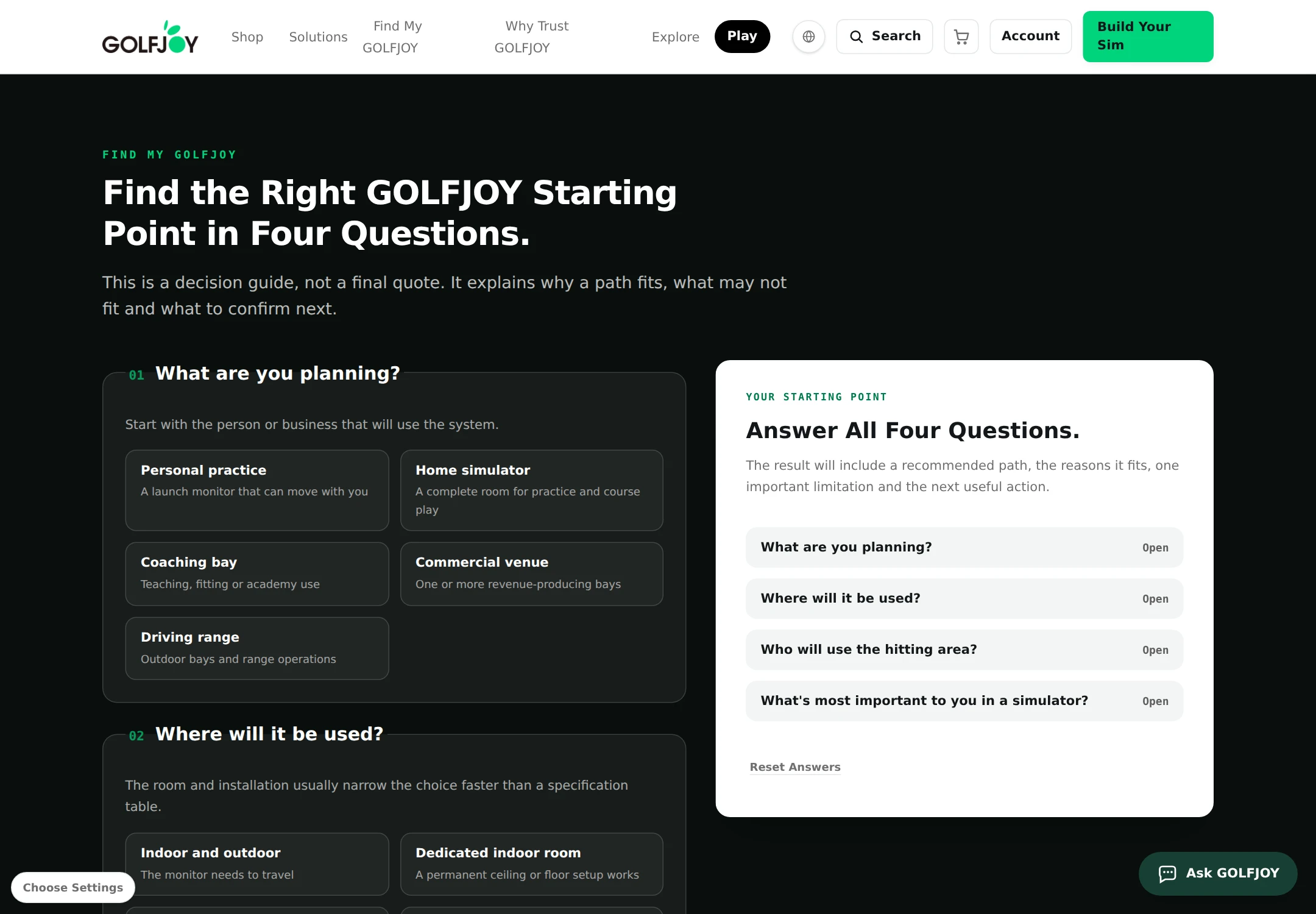
- GolfJoy U.S. product preview ↗
Public product preview. Interfaces can evolve after the implementation period discussed here.
- Builder and product tools in the case study ↗
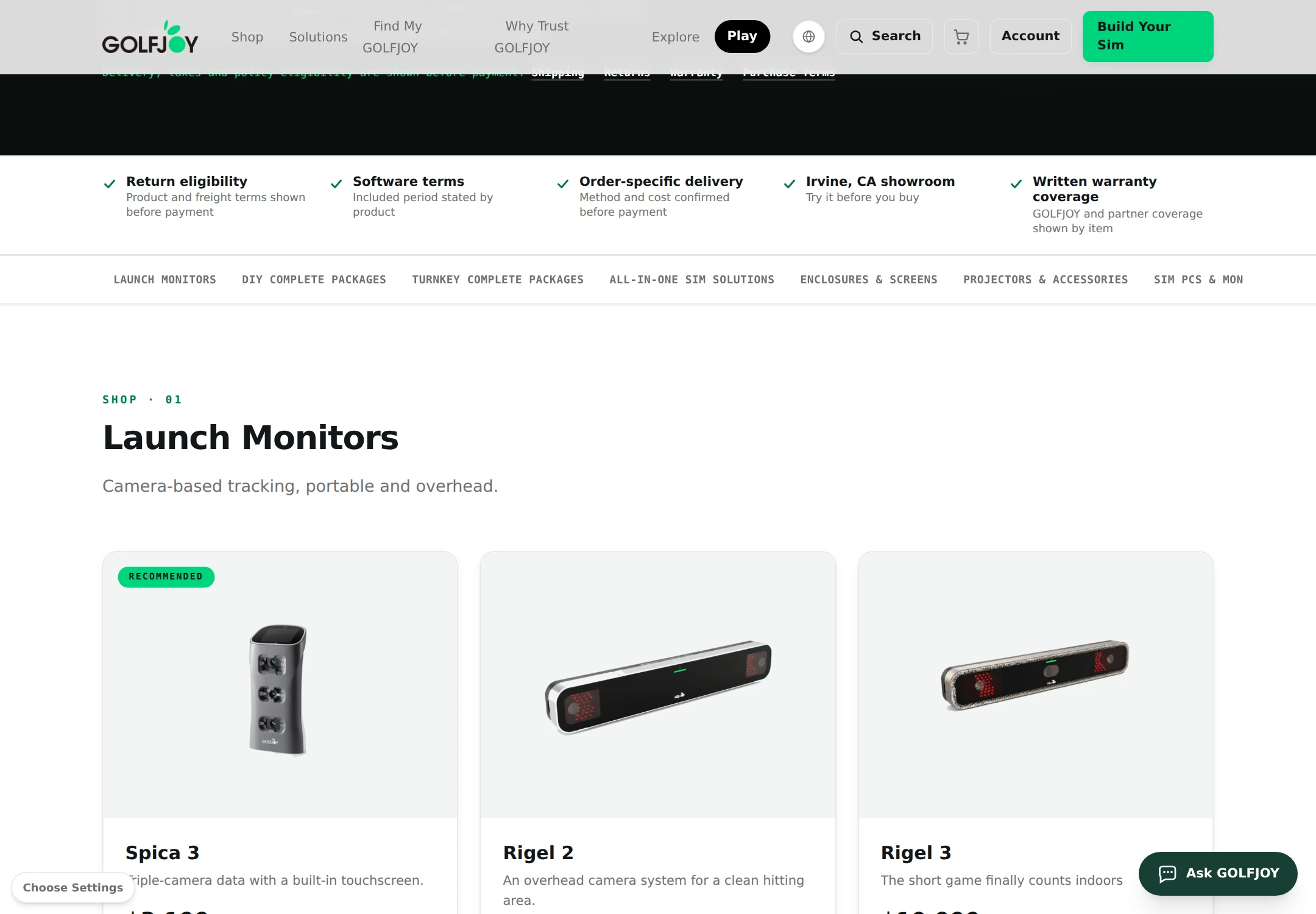
Real interface images, including the 3D builder and product-selection tools.
- GolfJoy engineering case study ↗
Product interfaces and the company attribution for my five delivered projects.